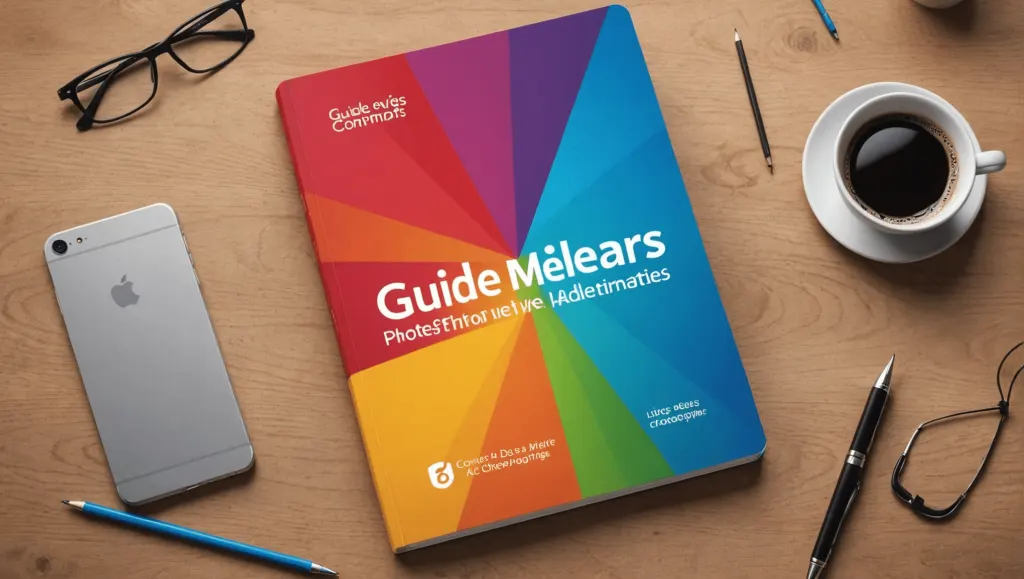
Guide to the best alternatives to Photoshop: how to make the right choice?
Contents9
In a world where creativity reigns, graphic editing is essential. Yet, looking for Photoshop alternatives can be as delicate as it is crucial. Whether because of its exorbitant price, its disconcerting complexity or simply to explore new options, there is a multitude of software that can compete with the undisputed master of photo editing. This guide takes you into an overview of the best options available, in order to determine which one best meets your needs and expectations.
Related reading : The best alternatives to Adobe Firefly: which choice to make?
Determine what alternative to Photoshop is best suited to your needs can prove to be a real headache, as the range of possibilities is so vast. This article aims to enlighten you on the different options available, their relevance, as well as the method for choosing the one that suits you best. By giving you an overview of alternative software, we will help you make the wisest choice based on your requirements and preferences.
Why look for an alternative to Photoshop?
Adobe Photoshop, despite its undeniable popularity, has certain limitations that push many users to explore other solutions. First, its cost can be a hindrance, especially for individuals or small businesses. Next, the interface, although full of features, can seem complex to novices. Additionally, the rise of modern online tools often offers better flexibility and appreciable ease of use. Thus, it is crucial to look into alternatives that could meet your creative needs while aligning with your budget.
The best alternatives to Photoshop in 2024
There is a multitude of software that presents itself as viable alternatives to Photoshop. Here is an overview of the most famous:
GIMP: the essential choice
GIMP is often considered the best free alternative to Photoshop. This open-source software offers a wide range of similar features, from advanced photo editing tools to layer management. Its compatibility with different file formats, like PSD and PNG, as well as its vibrant developer community make it a preferred choice among budget-conscious users. However, getting started initially may take some time.
Canva: the pragmatic tool
If you are looking for an online solution, Canvas might just be the right tool for you. Easy to use, it is perfect for quickly creating attractive visuals, especially for social networks. Although its photo editing features are less advanced than those of Photoshop, its intuitive interface and numerous templates make it accessible to everyone. Note, however, that some advanced features require a paid subscription.
Krita: for illustrators
Krita is free editing software, specifically designed for digital artists and illustrators. Its suite of advanced tools makes it an excellent choice for creating illustrations and animations. While it’s not as versatile when it comes to photo editing, it shines in its understanding of the needs of manual artists, with options like brush patterns and custom filters.
PIXLR: simplicity at your fingertips
PIXLR is another accessible alternative, which strongly resembles Photoshop in terms of design and functionality. Accessible online, it allows simple image editing while offering banner and poster models. Although it offers a free version, some of the more advanced features require a subscription. Ideal for those looking for a lightweight tool without too much complexity.
Paint.NET: the smooth start
Paint.NET is perfect for those who want to take their first steps in photo editing without getting lost in a cluttered interface. It offers a more limited range of tools but nevertheless sufficient for basic touch-ups. Its intuitive interface and lightweight operation make it a good choice for beginners, despite its availability only on Windows.
Methodology for choosing an alternative to Photoshop
To make an informed choice, several key elements should be considered. Firstly, the features offered by alternative must correspond to your specific needs, whether it is photo editing, graphic creation or digital illustration. Then, the ease of use is of utmost importance, especially if you are new to it or want a smooth transition from Photoshop. Also, do not neglect the value for money : is it better to opt for free but limited software or invest in a more comprehensive tool? It is essential to take the time to test several software programs before getting started.
Quick comparison of alternatives
Before you decide, consider comparing the different alternatives based on the criteria that matter most to you. Here are some things to consider:
- Cost : free vs paid
- Impact on performance: resource consumption of your device
- Accessibility: online version vs install version
- Customer Support: availability of help or tutorials
With this guide, you now have a solid foundation for choosing which Photoshop alternative will work best for you. Even if Photoshop remains a reference, there are attractive, adaptable and sometimes even more efficient options depending on your use.
Notez cet article
Read next
 AI news
Five advantages of local AI over ChatGPT, Gemini or Claude: why make the right choice?
In the vast field of , the choice between locally installed AI and cloud hosted solutions such as ChatGPT, Gemini, or…
 AI news
Comparative guide to the best AI art generators: how to make the right choice?
In a world where creativity is everywhere, art generators are emerging as indispensable allies. But how do you navigate…
 AI news
The Best Artificial Intelligence for Image Creation: How to Make the Right Choice?
In a world where visual aesthetics are paramount, choosing the right for image creation has become a major challenge.…
 AI news
The best alternatives to Adobe Firefly: which choice to make?
Discover the best alternatives to Adobe Firefly in our comprehensive guide. Compare available tools and find the perfect