Master artificial intelligence to enhance your photos: my tips!
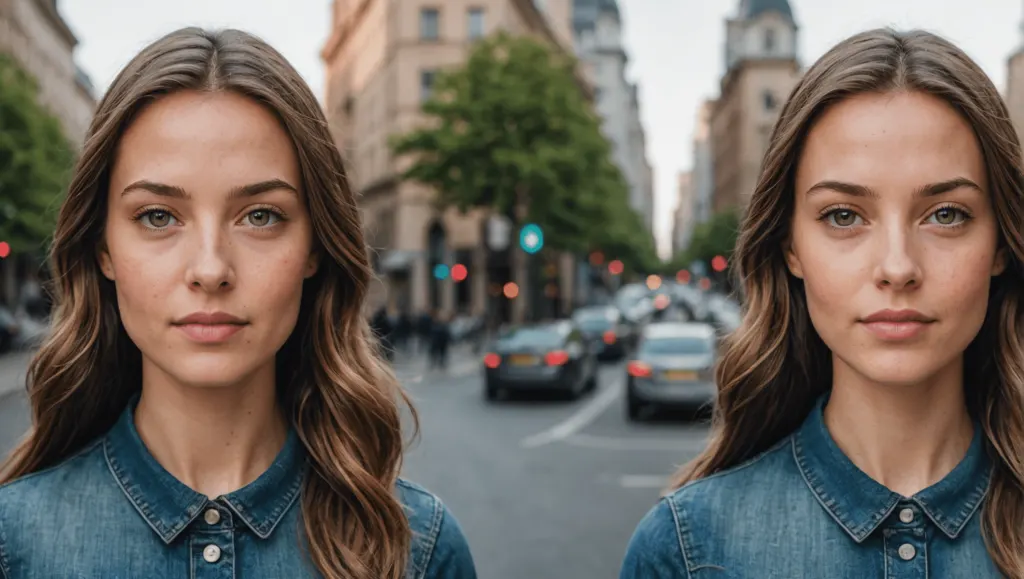
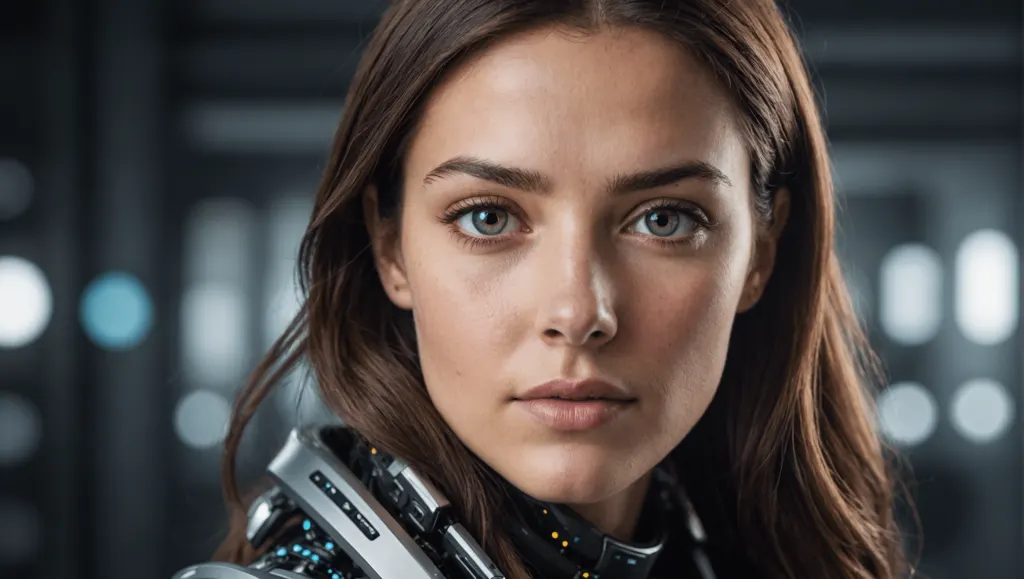
Hello to all photography and artificial intelligence enthusiasts! Today, I reveal to you my essential tips for enhancing your photos thanks to the mastery of AI. Get ready to discover practical and innovative tips that will allow you to give a whole new artistic dimension to your photos. Follow me for a captivating dive into the fascinating world of photo editing assisted by artificial intelligence!
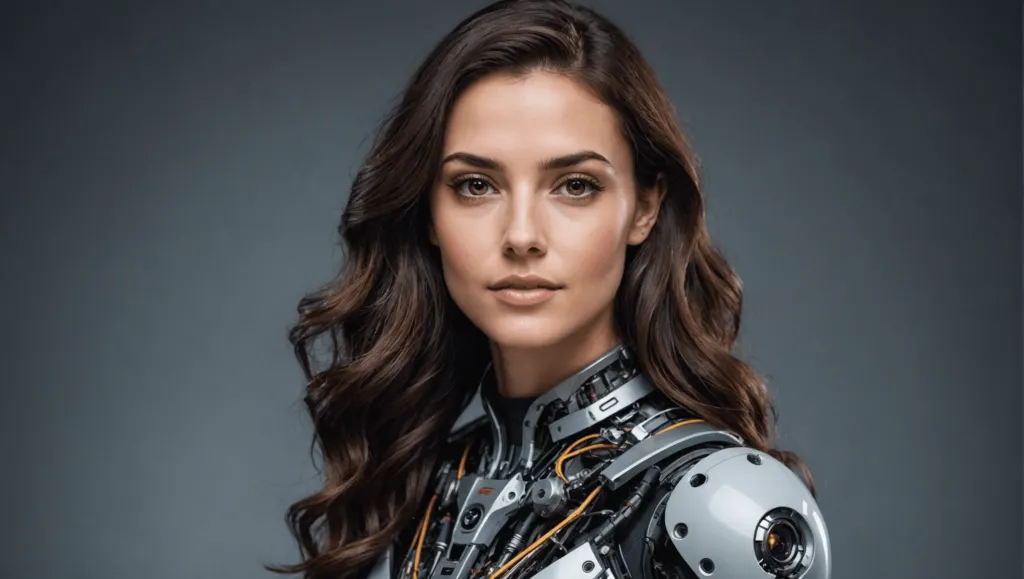
Learn how to use artificial intelligence to enhance your photos with advanced tools like Photodirector and Fotor. These applications use algorithms to adjust the brightness, contrast and even modify the decorations of your images. Integrate AI into your workflow by choosing intuitive software and using auto-correction for precise edits. Fix imperfections, prepare your photos for sharing online, and take advantage of AI photo editing automation. Finally, remember that the photographer’s eye remains essential to guide the AI towards the desired result.
Discovery of AI tools for photo editing
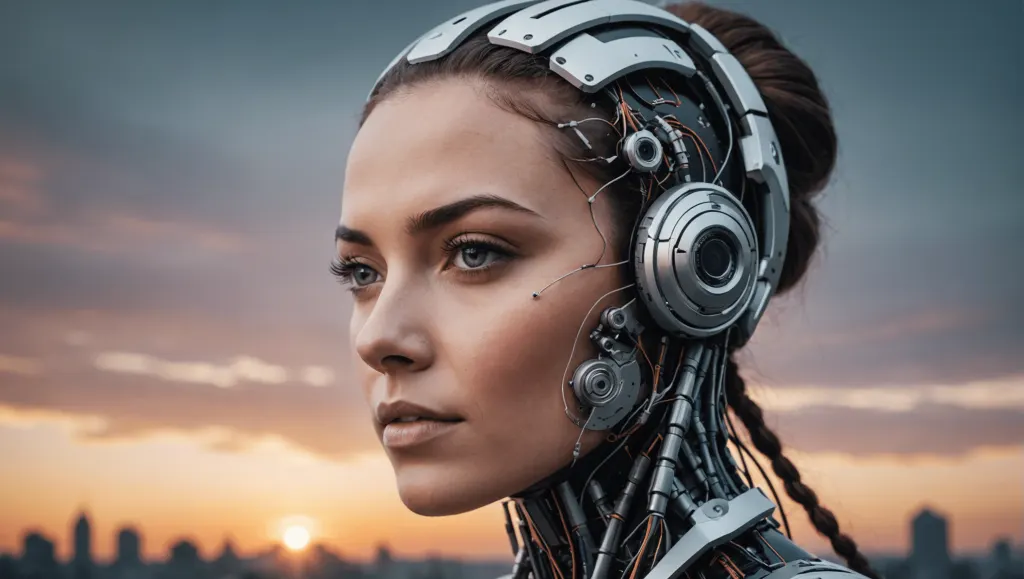
Using AI, you can turn your photos into works of art without the need for exceptional graphic design skills. Apps like Photodirector And Fotor use advanced algorithms to edit your images creatively and precisely. These tools will allow you to automatically adjust brightness, contrast, and even modify settings to make your photos more impressive.
Integrating AI into your workflow
To get started, choose AI-powered photo editing software that offers a wide range of features. Install the app, then import the photo to edit. The user interface is generally intuitive, allowing you to easily navigate between the different correction options. Use auto correction to adjust the color and exposure of your photos.
Precise blemish removal
The use of AI makes it possible to correct imperfections very precisely. For example, for portraits, AI can detect skin problems and correct them naturally. This includes the virtual make-up, reducing redness and adjusting skin texture. After correcting basic flaws, you can also change a gray sky into a blazing sunset or add elements to your photo to create a special mood.
Prepare your photos for sharing online
Once your photo has been edited, it is essential to prepare it for sharing online. AI software often automatically adjusts image size, format, quality and orientation depending on the target platform, whether social media or online galleries. This optimization ensures that your photos will have the best possible visual impact.
Automating photo editing using AI
One of the major contributions of AI to photo editing is the automation of repetitive tasks. Whether you have dozens of photos to process for a catalog or a series of portraits for a professional site, AI makes it possible to adjust color, size and other aspects in just a few clicks. This ensures consistent quality and consistency without excessive manual effort.
The photographer’s eye remains central
Although AI is a powerful tool, it does not replace the artistic eye of the photographer. Your vision and creativity are essential to guide AI tools towards the desired outcome. AI enriches your creative possibilities while ensuring impeccable technical execution.
- 📷 Use of AI: Access powerful tools without technical expertise
- 🔍 Automatic detection: Accurately identifies and corrects imperfections
- 🧙♂️ Virtual make-up: Applies natural touch-ups to the skin
- 🌅 Change of scenery: Turns a gray sky into a sunset
- 📲 Optimized sharing: Adjusts size and quality for social media
FAQs
Q: Is AI replacing manual work in photo editing?
A: No, AI does not replace the photographer’s artistic eye but complements it by providing advanced tools for precise and rapid retouching.
Q: What are the best AI-based software for photo editing?
A: Software like Photodirector And Fotor are among the best on the market, offering many AI-powered features.
Q: How to get started with AI software for photo editing?
A: Simply choose software that suits your needs, install it, then import your photos to start editing them with auto-correction options and other features.
Notez cet article